Overview

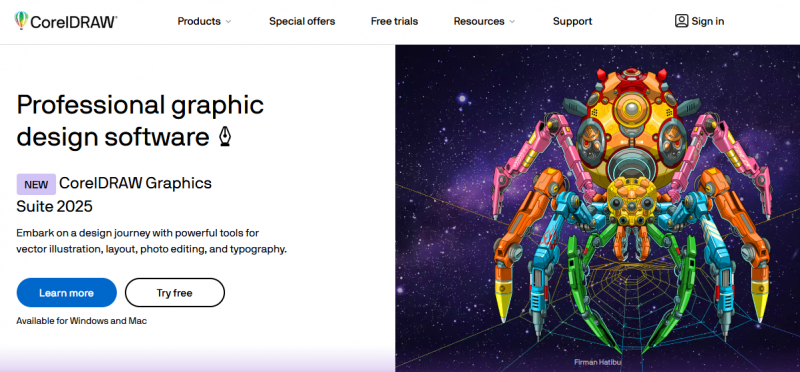
CorelDRAW Graphics Suite provides vector illustration, photo editing, layout, and typography tools. It enables users to create complex vector artwork from lines and shapes using tools like Contour, Envelope, Blend, and Mesh Fill. Users process images with Corel PHOTO-PAINT, manage fonts via Corel Font Manager, and handle multipage documents with toggleable editing modes. Non-destructive edits apply to bitmaps and vectors for block shadows, symmetrical illustrations, and perspective drawings. AI-assisted PowerTRACE converts bitmaps to vectors. Object Docker manages document elements, and support covers formats like PDF, SVG, and CDR. Subscription includes CorelDRAW Web for browser-based design.

Key Features:

  • Vector illustration tools including Contour, Envelope, Blend, and Mesh Fill
  • Layout tools for brochures and multipage documents
  • Typography tools with variable font support and text-to-path
  • Corel PHOTO-PAINT for image editing and non-destructive effects
  • AI-assisted PowerTRACE for bitmap-to-vector conversion
  • Object Docker for managing, hiding, renaming, and reordering objects
  • Perspective drawing tools for 1-, 2-, or 3-point perspectives
  • Pantone color palettes and color harmony generation

Pros & Cons

Pros:

AI-assisted PowerTRACE delivers impressive bitmap-to-vector trace results

Non-destructive editing preserves original images and objects

Multipage view allows fluid movement of objects across pages and side-by-side design comparison

Object Styles enable consistent formatting across multiple objects and documents

Cons:

Some features like OpenType variable font sliders limited to Windows

Collaboration and live comments available only in mid-year subscriber updates

CorelDRAW Web requires subscription for access

Software Trial

30 Days

Free Version

Yes

Licensing Type

Proprietary

Starting Price

Price Type

  • Contact Vendor

Currency

  • USD ($)

Subscription

  • Monthly

CorelDRAW Software Features

Graphic Design Features

  • Artboards
  • Collaboration
  • Drag and Drop
  • Filtering
  • Image Database
  • Image Editor
  • Multiple Pages
  • Symbols/Styles
  • Templates

Fashion Design Features

  • CAD Tools
  • Color Matching
  • Design Database
  • Design Export
  • Fabric Matching
  • Fashion Illustrations
  • Pattern Design
  • Pattern Grading
  • Presentation Tools

Deployment

  • Cloud Hosted

Platform

  • Web-Based
  • Windows

Support

  • Email
  • Chat

Training

  • Documentation
  • Help Guides
  • In-Person Training
  • Videos
  • Webinars

CorelDRAW Pricing

CorelDRAW Pricing

*Check the current pricing on CorelDRAW's website.

Software Category

Fashion Design Graphic Design

Reviews

Login to review CorelDRAW.

Explore Other Top Fashion Design Software