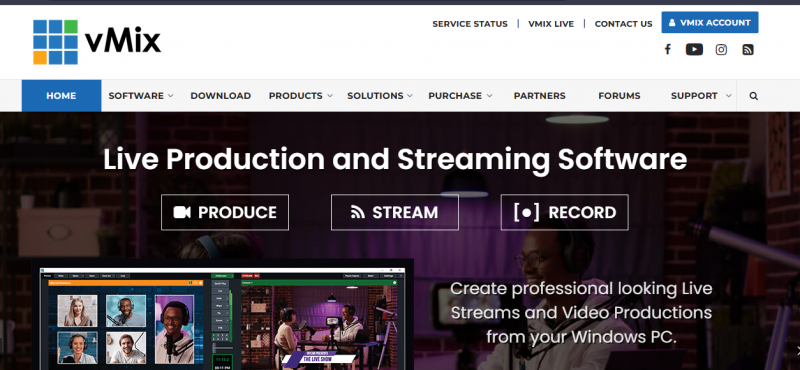
vMix provides live production and streaming software that runs on a single PC or laptop. It supports mixing multiple inputs including video cameras, NDI sources, video files, remote guests via vMix Call, images, audio, web streams, PowerPoint, titles, and virtual sets. Users switch between inputs, apply effects, and handle audio through a built-in mixer. The software enables simultaneous streaming to platforms like Facebook Live, YouTube, and Twitch, recording in formats such as AVI, MP4, MPEG-2, or WMV, and output via professional cards. Features include chroma key, 13 transition effects, 8 overlay channels, and animated graphics from GT Titler with over 100 built-in titles.
Manages multiple camera and NDI inputs smoothly for live production
Enables streaming, recording, and output simultaneously without extra hardware
Gives precise audio control with built-in mixer, EQ, and noise tools
Reduces setup complexity by using web browser sources instead of extra devices
Supports instant replay with slow motion across multiple camera feeds
High system demand can cause performance issues on weaker hardware
Advanced audio tools may overwhelm non-professional users
1-7 Days
Yes
Proprietary
Pricing yet to be updated!

The leader in collaboration & customer experience

Free open source live streaming and recording software

Go live the easy way — invite guests, host webinars or talk shows, and record podcasts in up to 4K, all from your browser.

Where the world gathers

Stream Live Video Online

Video Streaming Platform