Overview

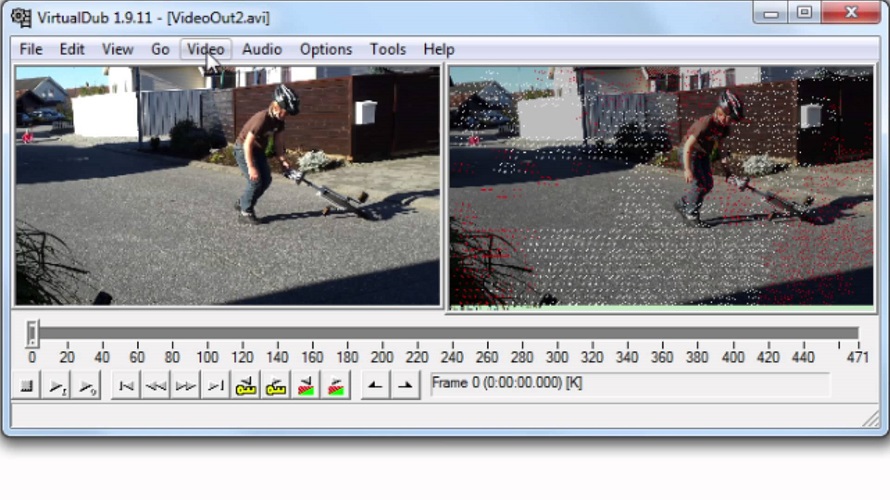
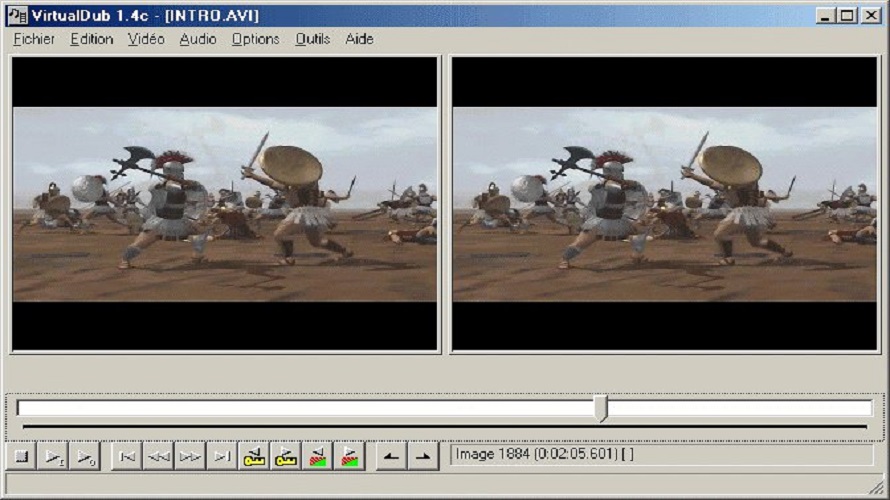
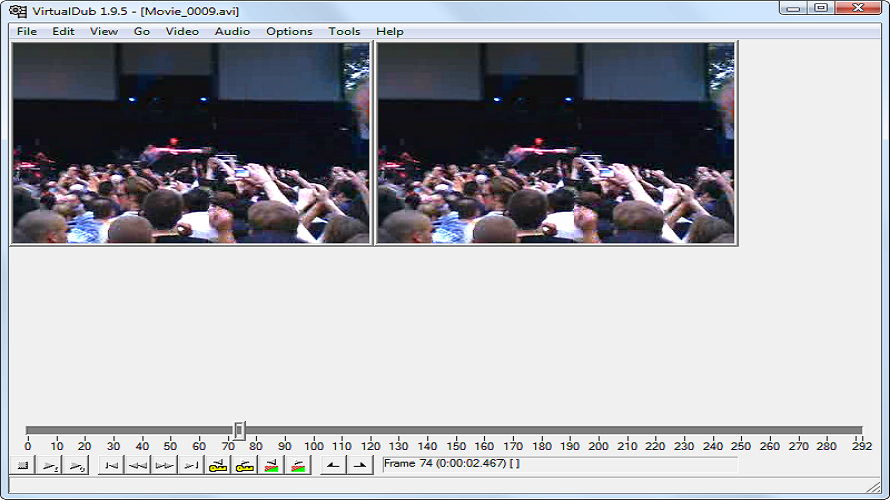
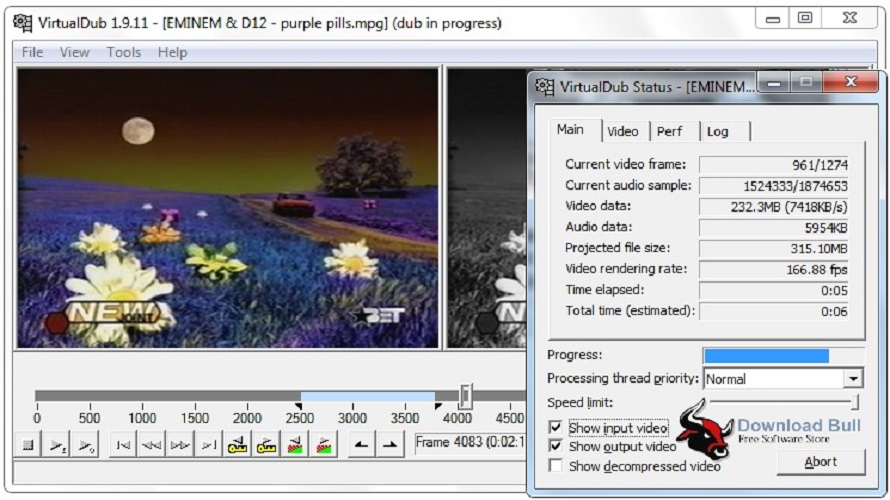
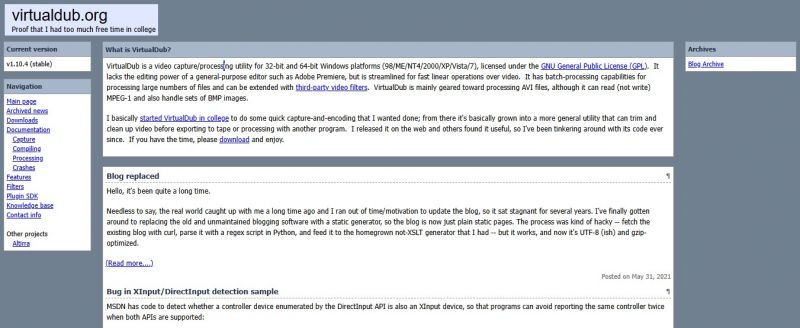
VirtualDub is a free, open-source video capture and processing utility for 32-bit and 64-bit Windows platforms. It streamlines fast linear operations over video, focusing on frame-by-frame editing and batch processing of AVI files. While it lacks the editing power of general-purpose editors like Adobe Premiere, VirtualDub is optimized for quick capture, encoding, and video cleanup workflows. The tool reads and writes AVI2 (OpenDML) files, supports multi-segment clips, and can process sets of BMP images. It includes integrated MPEG-1 and Motion-JPEG decoders and can be extended with third-party video filters via a plugin SDK.

  • Video capture with DirectShow and Video for Windows support
  • Reads and writes AVI2 (OpenDML) and multi-segment AVI clips
  • Real-time video processing including noise reduction, downsizing, and field swapping
  • Extensive video filter set: blur, sharpen, emboss, smooth, convolution, flip, resize, rotate, brightness/contrast, levels, deinterlace, and threshold
  • Remove and replace audio tracks independently of video
  • Decompress and recompress both audio and video
  • Remove video segments without recompressing the rest
  • Frame rate adjustment, frame decimation, and 3:2 pulldown removal
  • Video assembly from image sequences (BMP and Truevision TGA formats)
  • Batch-processing capabilities for multiple files
  • Integrated volume meter and histogram for input monitoring
  • Smart rendering for frame-precise editing of compressed video
  • Filter plug-in SDK for custom video and audio filters

Pros & Cons

Pros:

Lightweight and streamlined for efficient linear video processing without unnecessary features

Comprehensive filter library built-in, with extensibility through third-party plugins

Frame-precise editing and non-destructive segment removal capabilities

Free and open-source under GPL license

Batch-processing support for handling large numbers of files efficiently

Cons:

Limited to Windows platforms only; no native support for macOS or Linux

Primarily designed for AVI files; support for other formats requires plugins

Cannot mix dissimilar video files or apply transition effects between segments

Lacks advanced editing features compared to general-purpose video editors

Software Trial

1-7 Days

Free Version

Yes

Licensing Type

Proprietary

Starting Price

Price Type

  • Free

Currency

  • USD ($)

Subscription

  • N/A

Virtualdub Software Features

Video Editing Features

  • 3D Editing
  • Audio Tools
  • Frame Accuracy
  • HDR Support
  • Media Library
  • Media Library
  • Video Capture
  • Video Capture
  • Video Capture
  • Video Titling

Screen Recording Features

  • Audio Mixer
  • Export & Social Sharing
  • Subtitle Editing
  • Video Capture
  • Video Capture
  • Video Capture
  • Video Editing
  • Video Effects

Video Making Features

  • Collaboration Tools
  • Media Library
  • Media Library
  • Privacy Options
  • Text Overlay
  • Text to Video
  • Video Capture
  • Video Capture
  • Video Capture

Deployment

  • On Premises

Platform

  • Web-Based
  • Windows

Support

  • Email

Training

  • Documentation
  • Help Guides
  • In-Person Training

Virtualdub Pricing

Pricing yet to be updated!

Software Category

Screen Recording Video Editing Video Making

Reviews

Login to review Virtualdub.

Explore Other Top Screen Recording Software