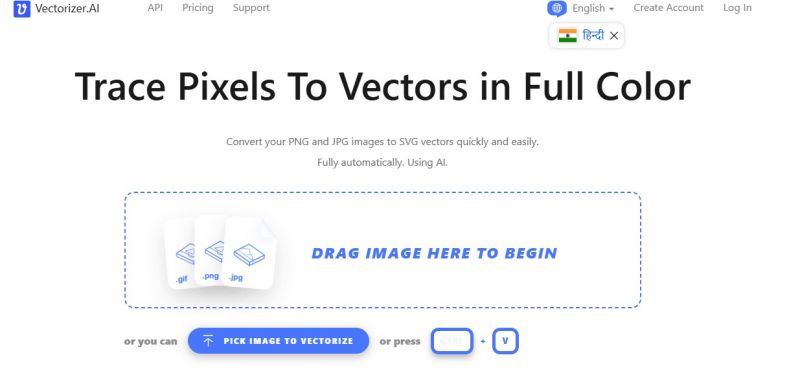
Vectorizer.AI converts raster images (like PNG and JPG) into scalable vector graphics automatically and with high quality. It analyzes pixel-based artwork using a proprietary “Deep Vector Engine” combining deep learning and computational geometry to produce clean, editable vector output that can scale without quality loss.
Produces clean vector results for logos and illustrations
Faster than manual tracing in traditional design tools
No software installation required
Fully automated vector tracing
Photographic images may not vectorize accurately
Limited manual path editing options
0
Yes
Proprietary
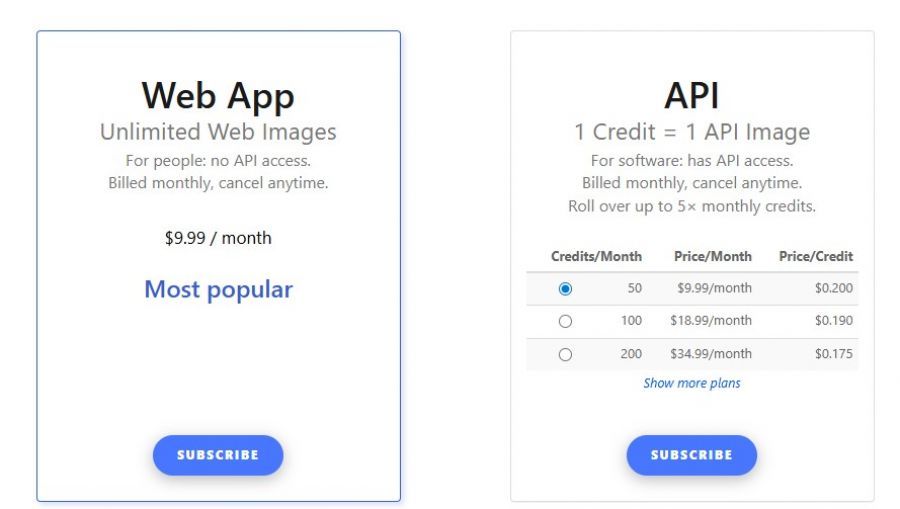
*Check the current pricing on Vectorizer.AI's website.

Was scrambling to finish a client job before a weekend deadline when Vectorizer.ai came to the rescue on my laptop. The JPEG I had was tiny and blurry, but after uploading, this thing delivered a smooth SVG that I could scale up without pixelation — literally saved my project. What I liked most was the simplicity: no confusing panels, just upload, choose format, and boom I get a high‑quality vector. The preview showed me exactly how it would look before I spent my credits, and buying more credits was a painless experience with clear billing emails. Rendering was blazing fast even with complex shapes. My only tiny gripe is that super intricate designs sometimes need a touch‑up afterward, but that’s a minor nitpick. Hands down one of the best quick vector converters I’ve used.

Create High Quality AI Anime Art & Stories