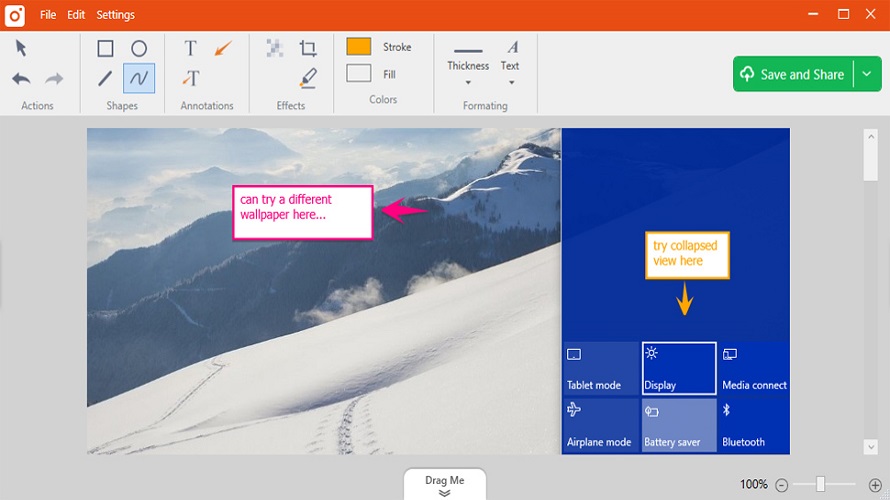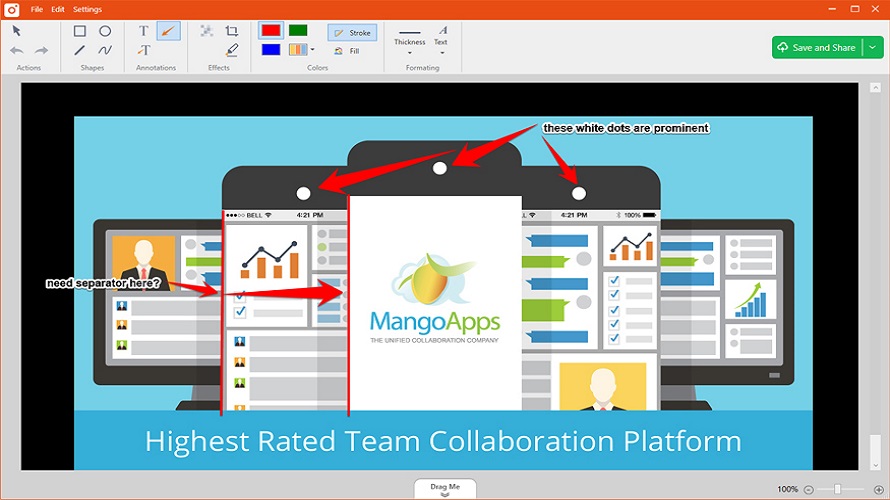
TinyTake enables capturing screenshots and recording desktop screens up to 120 minutes. It provides annotation tools including text boxes, arrows, and highlights for images and videos. Captures upload to 2GB of cloud storage with shareable links and online viewing access. Users access capture history, drag and drop files for annotation, and view common file types like images, videos, PDFs, and office documents in-browser. Direct YouTube upload supports sharing recordings. Account creation required for use on Windows and Mac clients.
Simple-to-use interface
Various shortcut keys for capturing
Free cloud storage included
Creates GIF clips from images and recordings
Recording quality not satisfying
No advanced video editing
1-7 Days
Yes
Proprietary
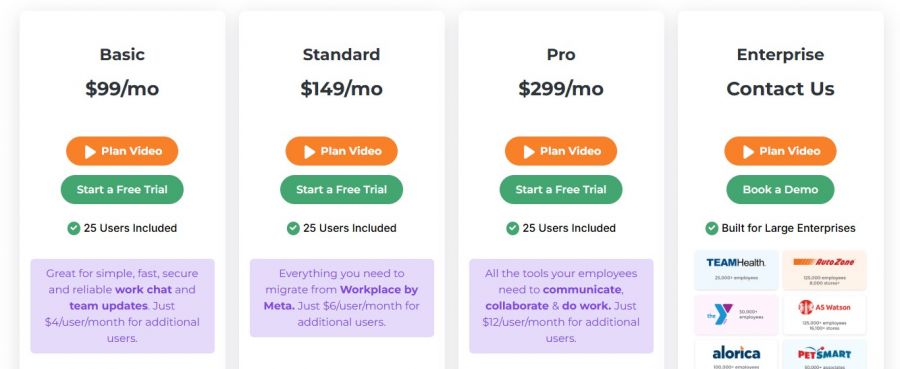
*Check the current pricing on TinyTake's website.

The Best Monitoring Software for Cell Phone & Computer Tracking

A free video capture and processing utility for Windows.

Video Editor

Screen Recording Software: capture anything on your PC screen

Advanced Editing Studio

Screen recording and video editing software that combines real-time recording with professional editing tools.