Overview

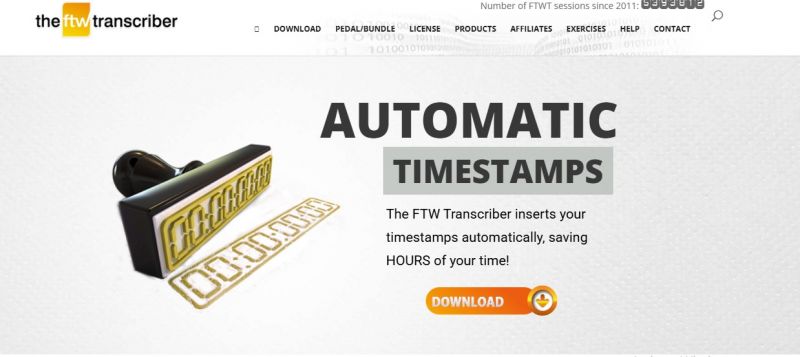
The FTW Transcriber provides transcription software for Windows that handles manual transcription of audio and video files. It focuses on playback of recordings with navigation for repeated listening to difficult phrases. Core elements include enhanced audio quality and automatic addition of timestamps and frames. Settings for timestamps and hotkeys save per client and share with other transcribers for consistent style. It supports a wide range of file types, including dss/ds2, and plays local or remote files, video with visuals, using hotkeys or pedals. An Android version allows transcription on mobile devices.

  • enhanced audio quality
  • automatic adding of timestamps and frames (optional)
  • noise reduction / audio enhancement
  • saves different timestamp and hotkey settings for different clients
  • enables sending timestamp/hotkey settings to other transcribers
  • plays huge range of file types (including dss/ds2)
  • compatible with ALL word processors
  • timestamp formatting in the format of choice
  • start timestamps from any timecode
  • hotkeys for common transcription phrases like overtalking or unclear
  • bookmark feature
  • plays video files (mpeg, wmv, flv, etc) with visuals displayed
  • plays files on local drive or remote servers without downloading first
  • local files play instantly (except dss/ds2)
  • balance and speed adjuster
  • controlled with hotkeys or pedals (Infinity, Olympus, Philips, Grundig)
  • pedal switch ff/rew

Pros & Cons

Pros:

Automatic timestamping facility cuts down typing time.

Custom feature requests get programmed.

Better sound quality than Express Scribe.

Bookmark feature marks specific points in audio for reference.

Cons:

Local playback of dss/ds2 files requires loading wait.

Pedal support for Philips coming soon.

Software Trial

1-7 Days

Free Version

Yes

Licensing Type

Proprietary

Starting Price

Price Type

  • Free

Currency

  • USD ($)

Subscription

  • Monthly

The FTW Transcriber Software Features

Medical Transcription Features

  • Abbreviation Expansion
  • Audio File Management
  • Audio Transmission
  • Customizable Macros
  • Time code stamp
  • Transcription Reporting
  • Voice Recognition

Transcription Features

  • Playback Controls
  • Timecoding

Deployment

  • Cloud Hosted

Platform

  • Web-Based
  • Windows

Support

  • Email

Training

  • Documentation
  • Blogs
  • Help Guides

The FTW Transcriber Pricing

Pricing yet to be updated!

Software Category

Medical Transcription Transcription

Reviews

Login to review The FTW Transcriber.

Explore Other Top Medical Transcription Software