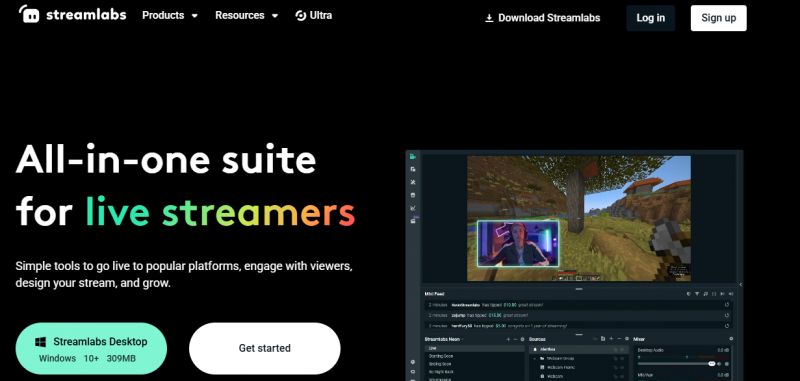
Streamlabs Desktop provides software for live streaming and recording to platforms including Twitch, YouTube, and Facebook. It supports adding sources such as webcams, microphones, screen capture, gameplay, text, media, alert boxes, and widgets. Users set up scenes with themes, edit sources, mix audio, and access studio mode for previews. The interface allows importing from OBS Studio, guided configuration, and optimization settings for resolutions like 1080p 60fps or 720p 60fps. Streamlabs Ultra adds multistreaming to multiple platforms, premium overlays, and custom tipping pages. An app store offers plugins for music, design, and viewer interaction.
Makes streaming setup fast with guided configuration and one-click OBS import
Simplifies stream design using ready-made themes, overlays, and widgets
Optimizes video and audio quality across different resolutions and frame rates
Expands stream features through an app store with plugins and interactive tools
Web sources may distort colors and layouts, affecting visual accuracy
1-7 Days
Yes
Proprietary
Pricing yet to be updated!

The leader in collaboration & customer experience
Free open source live streaming and recording software

Go live the easy way — invite guests, host webinars or talk shows, and record podcasts in up to 4K, all from your browser.
Where the world gathers

Stream Live Video Online

Video Streaming Platform