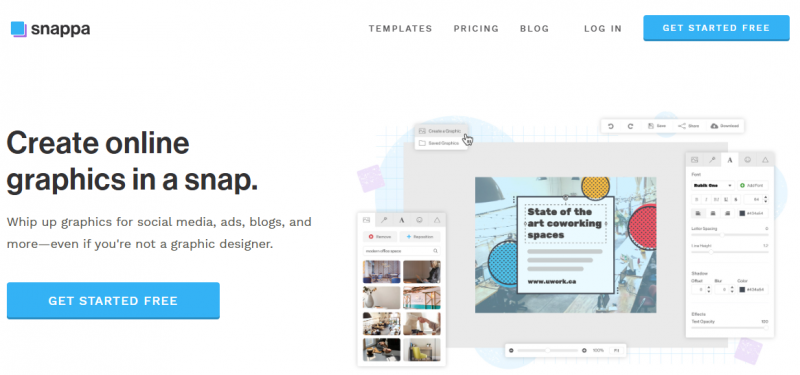
Snappa enables creation of custom social media graphics, photo edits, and visuals for blogs, ads, and marketing materials. Users start with preset dimensions for platforms like Facebook, Instagram, YouTube, Twitter, and LinkedIn, then select from professionally designed templates or build from scratch. The drag-and-drop editor supports swapping high-resolution stock photos, adding text, graphics, shapes, and filters. Background removal occurs with one click. Designs resize for multiple platforms in seconds and download in PNG, JPG, or PDF formats. Stock libraries include over 5 million photos, thousands of graphics, and weekly template updates. Free plan offers 3 downloads monthly; paid plans provide unlimited access and team features like shared folders and custom fonts.
Intuitive drag-and-drop interface requires no design experience
Vast template library speeds up creation of proportional graphics
Access to millions of high-resolution stock photos without leaving the platform
Automatic resizing for social media platforms saves time
Free plan limits to 3 downloads per month
Team collaboration requires paid plan
Dependence on templates may limit fully original designs
1-7 Days
Yes
Proprietary
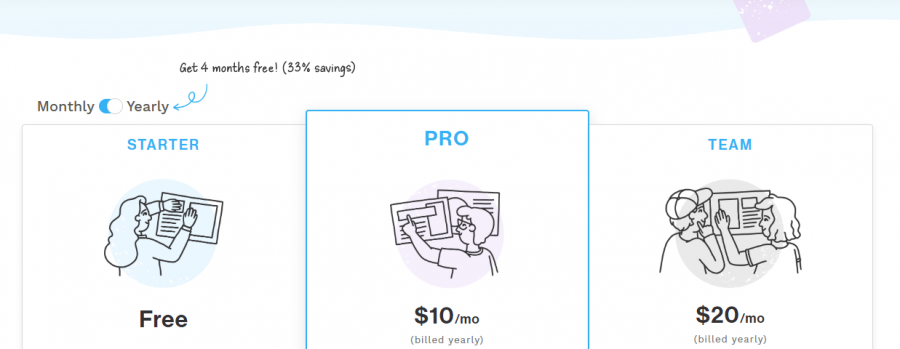
*Check the current pricing on Snaapa's website.

Organize design files has never been easier

Graphic design software with CorelDRAW Graphics Suite

AI Vector Graphics Editor and Logo Maker | Background ...

Gravit Designer
BeFunky is photo editing & graphic design made for everyone.

Desygner: The SMB hub for business & marketing growth