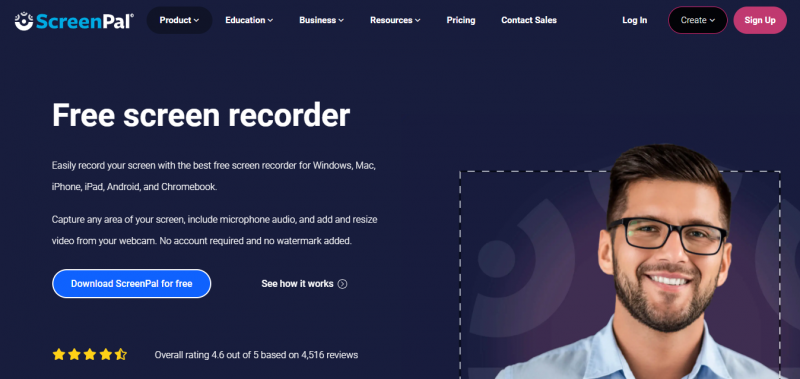
Screencast-O-Matic captures screen activity, webcam footage, or both as video recordings. It provides controls to select recording areas, pause sessions, and highlight cursor movements. Paid versions enable system audio capture, basic editing such as trimming and cropping, and overlays including text, shapes, and blur effects. Videos upload directly to YouTube, Google Drive, or Screencast-O-Matic hosting with shareable links and embed codes. No account or download required for initial use, supporting quick starts on Windows, Mac, or Linux.
Easy to start recording without account or download
Pause feature works reliably
Quick sharing to YouTube and Google Drive even in free version
Extensive editing options like trimming and annotations in paid plans
Cursor highlight aids instructional videos
Free version adds watermark to exports
Videos limited to 15 minutes in free version
No offline editing of imported videos
Paid features required for system audio recording
1-7 Days
Yes
Proprietary

*Check the current pricing on Screencast-O-Matic's website.

Screen capture and video recording software
A free video capture and processing utility for Windows.

Screen Recording Software: capture anything on your PC screen

Advanced Editing Studio

Screen recording and video editing software that combines real-time recording with professional editing tools.

Screen Recorder for PC: Windows and Mac