
Overview

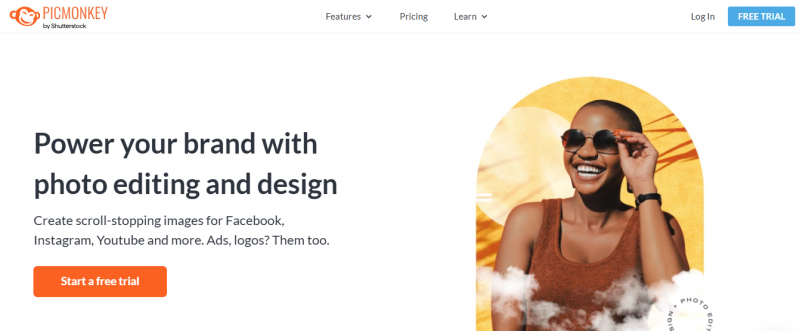
PicMonkey provides photo editing and graphic design tools to create photos, logos, social media graphics, and covers. Users edit images with tools for cropping, resizing, rotation, effects on light, exposure, grain, and color. Brush tools apply effects to specific areas. Graphics palettes allow customization like erasing parts, adding drop shadows, effects, or textures. Templates support collages, business cards, banners, and ads. Blank canvases fit photo sizes or social media dimensions. Brand kits store logos, fonts, and colors. Hub saves work in the cloud for access anywhere, with mobile app support.

Key Features:

  • Instant Photo Background Eraser removes backgrounds with one click
  • 9,000+ graphics and textures with animations, shadows, colors
  • Hundreds of fonts or upload custom ones
  • Thousands of templates for collages, business cards, banners, ads
  • Stock photos and videos from Shutterstock
  • Draw Tool with eraser, paint brush shapes, premium brushes like watercolor, glitter
  • Smart Resize outputs images to multiple sizes
  • Multi-page designs for slideshows, brochures, presentations

Use Cases:

  1. Social media post and story creation.
  2. Marketing banners and ad graphics.
  3. YouTube thumbnails and channel art.
  4. Logo and branding material design.
  5. Photo collages and visual storytelling.
  6. Team collaboration on visual projects (Business).

Pros & Cons

Pros:

Easy to use with intuitive tools and templates

Cloud-based Hub allows access from anywhere

Mobile app supports editing on the go

Large library of graphics, fonts, and stock media

Cons:

Requires subscription for full features and Pro effects

Free version limits access to advanced tools

Bulk download and some features like multiple brand kits need higher plans

Mobile app may lack some desktop capabilities

Software Trial

7 Days

Free Version

Yes

Licensing Type

Proprietary

Starting Price

Price Type

  • Flat Rate

Currency

  • USD ($)

Subscription

  • Monthly
  • Annually

PicMonkey Software Features

Graphic Design Features

  • Artboards
  • Collaboration
  • Image Database
  • Image Editor
  • Symbols/Styles

Photo Editing Features

  • Batch Editor
  • Collage Maker
  • Contrast Change & Brightening
  • Crop Photo
  • Photo Frames
  • Resize Image
  • Sharpness Adjustments
  • Storage

Photography Studio Features

  • Client Management
  • Event Management
  • Marketing Management

Deployment

  • Cloud Hosted

Platform

  • Web-Based
  • Windows

Support

  • Email

Training

  • Documentation
  • Blogs
  • Help Guides

PicMonkey Pricing

PicMonkey Pricing

*Check the current pricing on PicMonkey's website.
Software Category

Graphic Design Photo Editing Photography Studio

Reviews

Login to review PicMonkey.

Explore Other Top Graphic Design Software