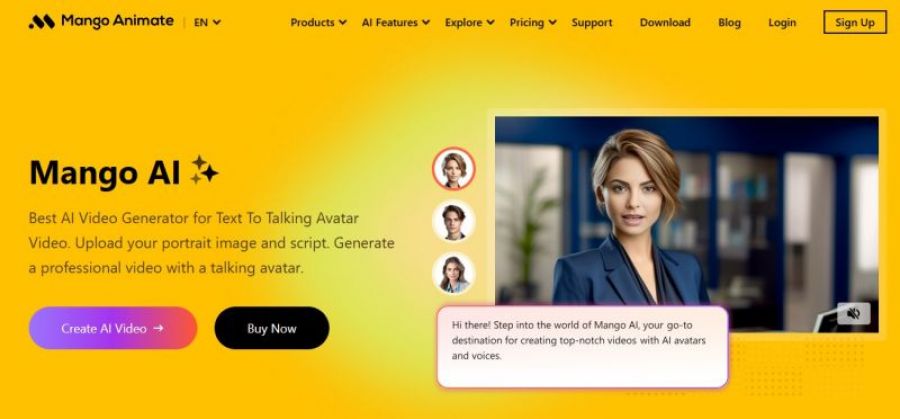
Mango Animate designed to help users create animated videos quickly and efficiently. The product focuses on simplifying video creation for explainers, presentations, tutorials, and promotional content through ready-made templates and visual assets. Users can build animations using a drag-and-drop editor, animated characters, text effects, and pre-designed scenes without requiring advanced technical skills.
Key Features
Drag‑and‑drop workflow simplifies first projects.
Template variety speeds explainer video creation.
Render times stay smooth on complex scenes.
Support team quickly resolves license issues.
Limited customization versus high‑end animation suites.
Fewer premium templates and characters in tiers.
1
No
Proprietary
*Check the current pricing on Mango Animate's website.

A free video capture and processing utility for Windows.

Free open source live streaming and recording software

Create Engaging AI Videos, 10× Faster & Free

Swap faces in photos and videos effortlessly with AI.

The most complete social media management platform for brands and agencies.

Create videos with AI avatars.