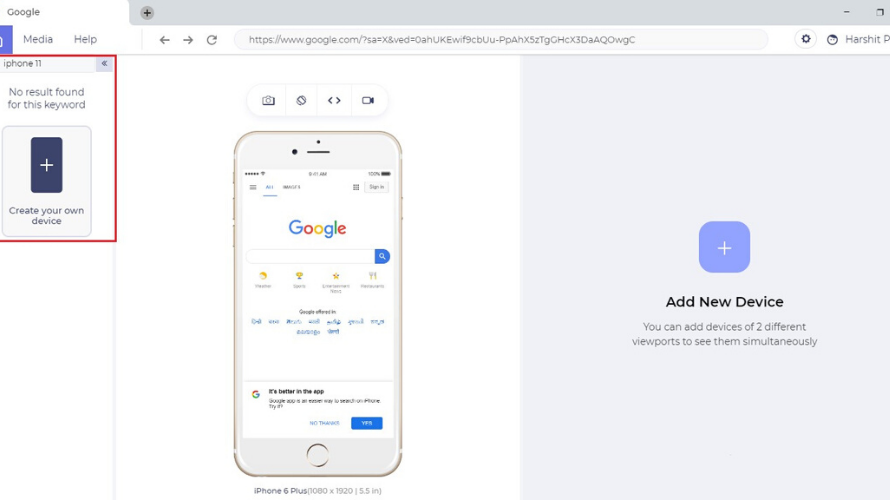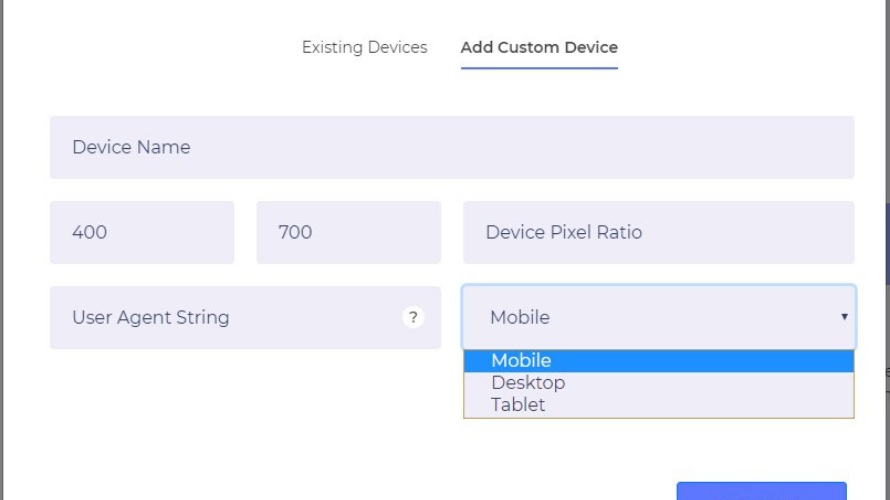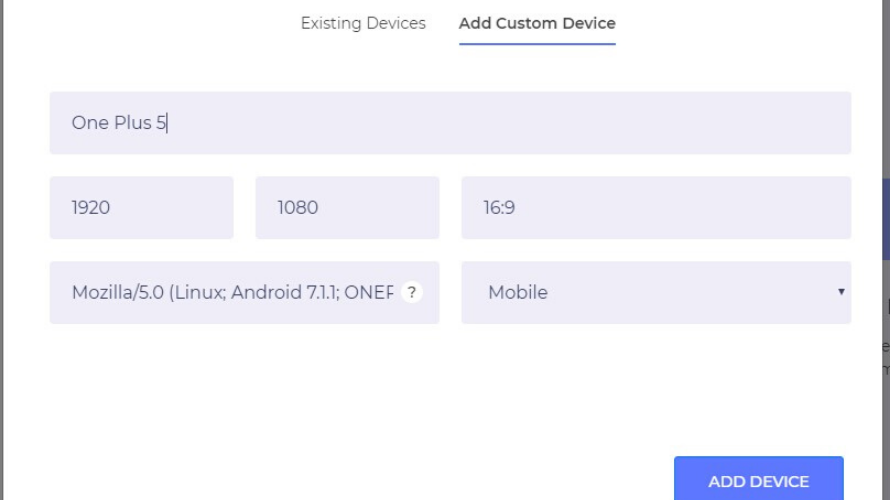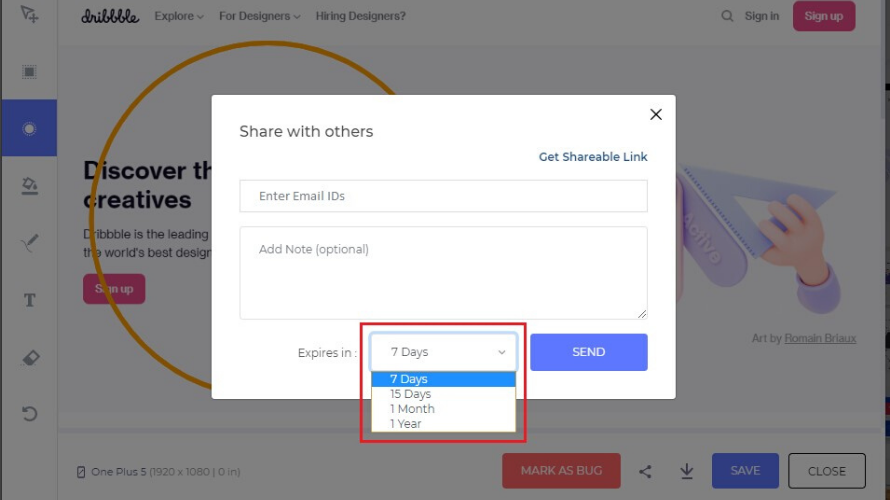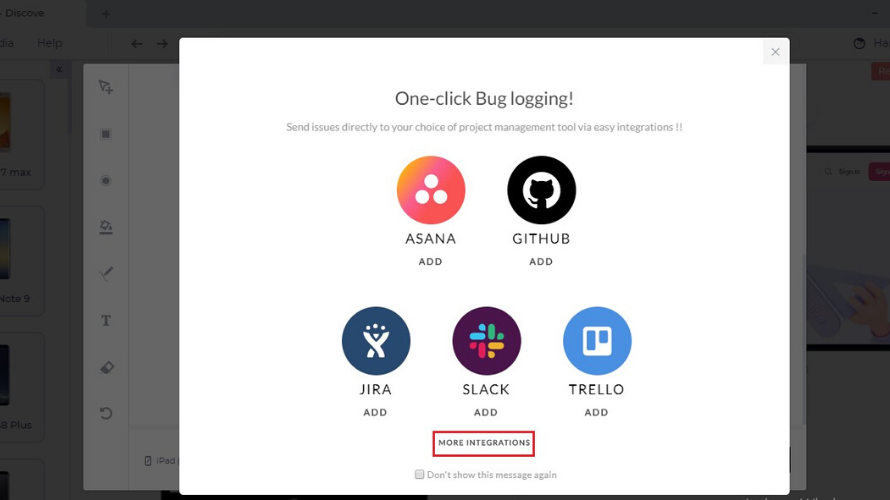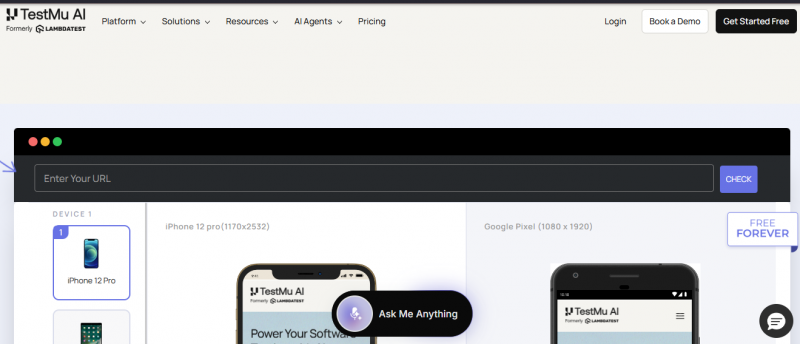
LT Browser enables testing website responsiveness across multiple device viewports. It supports simultaneous interaction with up to six devices, dedicated DevTools for each viewport, and network throttling to simulate conditions like 3G, 4G, or offline. Users generate performance reports, capture full-page screenshots, record videos, and log bugs with one click. Built on the latest Chromium, it offers hot reload, JavaScript error reports, and unlimited custom viewports. Integration with project management tools shares bugs directly.
Speeds up UI debugging with side-by-side responsive testing
Includes Lighthouse auditing for built-in performance analysis
Sync scrolling helps compare layouts across devices faster
Tests localhost projects without requiring deployment setup
Simplifies frontend debugging through Chrome DevTools integration
Chromium-only support limits testing across different browser engines
No mobile app restricts testing directly on smartphones or tablets
30 Days
Yes
Proprietary
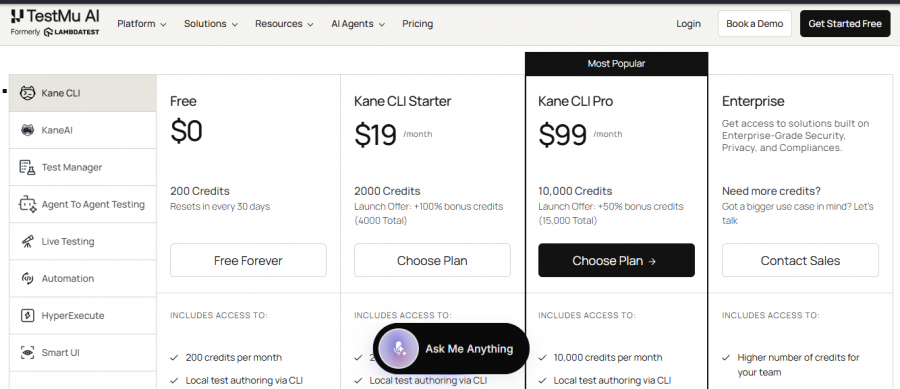
*Check the current pricing on LT Browser's website.

Cloud-based unified testing platform for manual and automated testing across browsers and devices

AI-powered testing built for speed and precision

End-to-end Test Management tool for test case management that provides full visibility, clear results, flexibility & integrations.

WAPT Pro provides an environment for load, stress and performance testing of web sites and applications with web interface.

Open-source UI automation for many app platforms

Testsigma: #1 Unified & Agentic Test Automation Platform