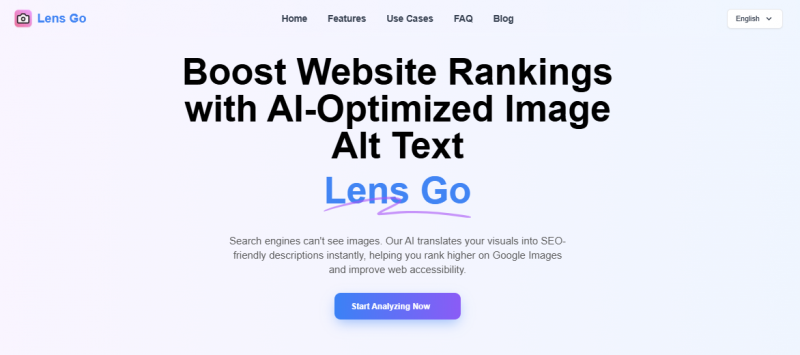
Lens Go transforms images into keyword‑rich descriptions that search engines and screen readers can understand. The platform accepts images up to 5 MB and produces human‑like alt text within seconds. Core use cases include improving search rankings, meeting accessibility standards, and enhancing social media captions all without heavy manual editing.
High‑quality AI video outputs often praised
Supports custom AI model training
Daily free credits available forever
Cloud processing frees local hardware limits
Multilingual video generation supported
Videos longer than ~30s often paid
Inconsistent output on complex prompts
Advanced features need steep learning curve
Processing time spikes with detailed jobs
1-7 Days
Yes
Proprietary
Pricing yet to be updated!

Using Lens Go’s alt-text generator on my laptop while batch-uploading blog posts, and it’s honestly taken the most boring part of my workflow and turned it into a 2-click job. I just drag my screenshots or feature images in, hit generate, and it spits out surprisingly descriptive alt text that actually mentions colors, objects, and context instead of generic “image of a person” nonsense. I like that it’s completely free right now and focused on accessibility + SEO, but because it’s such a single-purpose tool
It’s fast and usually produces readable, human‑sounding text way better than generic one‑word tags. I liked how it works straight in the browser, no installs. But sometimes the descriptions were either too vague (“a thing on a table”) or oddly specific (why mention a speck of dust?), which meant extra editing for me. Also
Dragged a bunch of images into Lens Go while sipping coffee this morning on my Mac, and boom it gave me rich, sentence‑style descriptions ready to drop into alt text fields. The interface is stupidly simple: literally drag, wait a second, and copy. I work with accessibility for a nonprofit, so having something that doesn’t sound robotic is a huge win. Saved me so much time.

Free SEO Software Tool

SEO Tools & Resources To Grow Your Search Traffic

All-in-One Suite of SEO Tools

Convert your Google Search Console account to awesome SEO tracking platform!

All-Inclusive cloud-based SEO software

Rank tracking made easy.