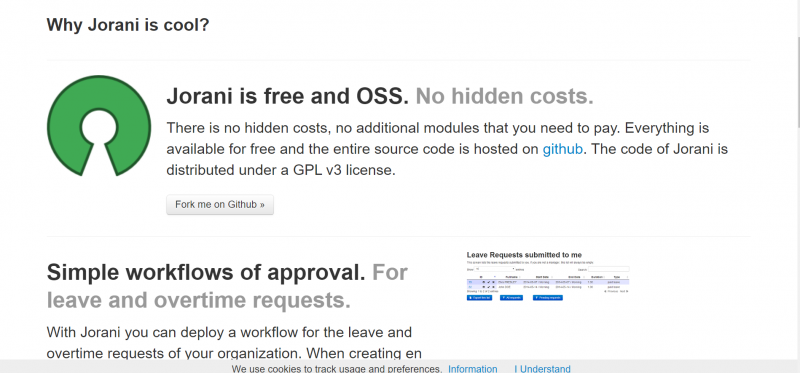
Jorani deploys workflows for leave and overtime requests in organizations. Employees submit requests, and line managers receive email notifications to accept or reject them with a click. The system supports configuration of organizational structures including countries, branches, subsidiaries, departments, and teams, with employees attached to these entities for filtered reports and calendars
Web‑based leave request + approval workflow built‑in.
Excel export for calendars and reports.
Automatic holiday/weekend leave calculation.
Email notifications for leave approvals.
Multi‑language support (EN, FR, others).
Configurable org structure with teams/departments.
No native mobile apps included.
Reporting features less advanced than competitors.
1-7 Days
Yes
Proprietary
Pricing yet to be updated!

100% FREE AI-Powered Time Tracking

FREE Time Tracking Software

Simple, Affordable Attendance & Time Tracking

Complete HR & Payroll Software

Employee scheduling made easy

Transform Your Time Tracking with Cloud-Based Simplicity