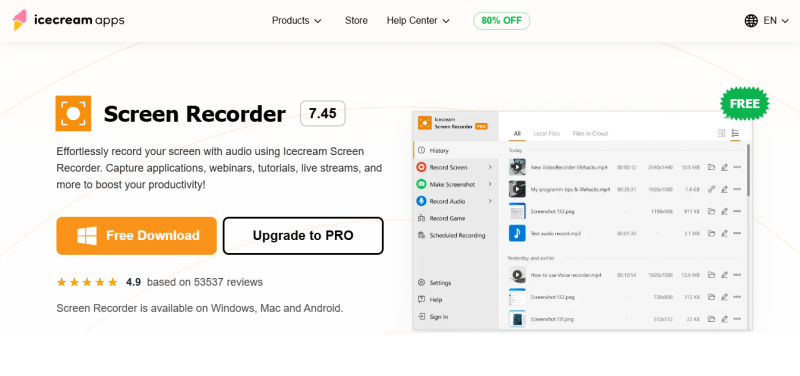
Icecream Screen Recorder enables screen capture in full-screen or custom areas. It records webcam and audio alongside screen activity. Users annotate and edit recordings with drawing tools, text, arrows, and shapes. Recordings save to the desktop by default, with options to trim, mute sound, adjust speed, resolution, and format. Scheduled recording sets timers for automated capture. Hotkeys control recording functions, and display hotkeys show during capture. A free version includes limitations; PRO unlocks MP4, AVI, MOV, WEBM formats, no watermark, logo addition, and 10 GB cloud storage. Instant sharing occurs via Icecream Cloud.
Free version available for basic screen recording
Supports Windows 11/10
Includes editing tools to trim recordings and adjust speed
Free version has recording limitations
Watermark present in free recordings
PRO features require purchase for full formats and unlimited use
1-7 Days
Yes
Proprietary
Pricing yet to be updated!

Screen capture and video recording software

A free video capture and processing utility for Windows.

Screen Recording Software: capture anything on your PC screen

Advanced Editing Studio

Screen recording and video editing software that combines real-time recording with professional editing tools.

Capture Anything, Share Everything!