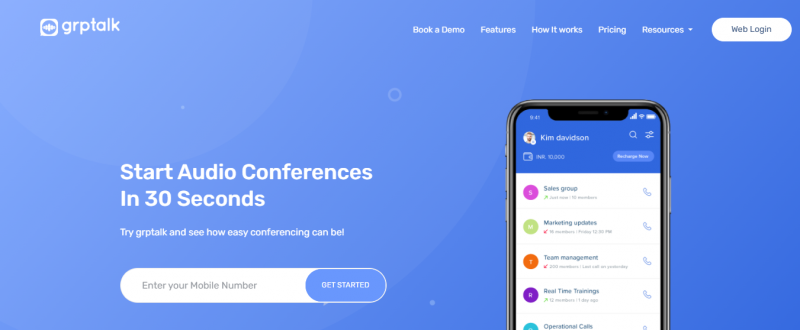
grptalk enables hosts to connect 3-1000+ people on one audio conference call in less than 30 seconds. Participants join by answering an incoming call without needing the app, internet, PINs, or bridge numbers. The app and web interface provide call controls including mute, unmute, add participants, and recording. Hosts create groups for quicktalk instant calls or schedule repeated conferences. Sub-accounts allow teams to manage separate calls under centralized billing. Web features support uploading Excel contact lists, private room discussions, and advanced call reports on activity and minutes consumed. Calls work over mobile and landline networks.
No internet needed for participants to join calls
Quick setup for large conferences up to 1000+ people
Clear audio quality over mobile and landline networks
Easy control features like mute-dial for broadcasts
Only host requires app installation for scheduling
Quicktalk lacks initial mute-dial option
Sub-account activity requires separate monitoring steps
Internet access needed for web interface features
15 Days
No
Proprietary
*Check the current pricing on grptalk's website.

The leader in collaboration & customer experience

Add chat and video calling using QuickBlox chat API and SDK

The webinar leader, designed in Europe

One-Click Video Conferencing With Built-In AI

IT Approved Video Conferencing

Modern, No-Download Webinar Software