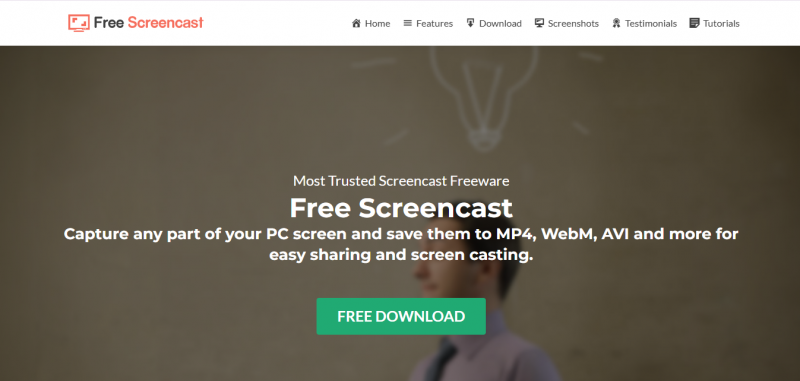
Free Screencast records all actions performed on the PC screen, a webcam, or an IP camera into video in real time with or without audio. Users select a recording region by adjusting zoom and position sliders in full screen preview mode. Overlays add images or text to recordings. Video processing options rotate or flip content. Hotkeys control start, pause, resume, and stop functions.
Records screen with sound and captures webcam or IP camera video
Supports overlay images and text for effects
Allows region selection with zoom and precise positioning
Provides hotkeys for single-step recording control
Limited to Windows PC platform
Requires manual region selection each time
No built-in video editing beyond basic processing
1-7 Days
Yes
Proprietary
Pricing yet to be updated!

Screen capture and video recording software
A free video capture and processing utility for Windows.

Screen Recording Software: capture anything on your PC screen

Advanced Editing Studio

Screen recording and video editing software that combines real-time recording with professional editing tools.

Screen Recorder for PC: Windows and Mac