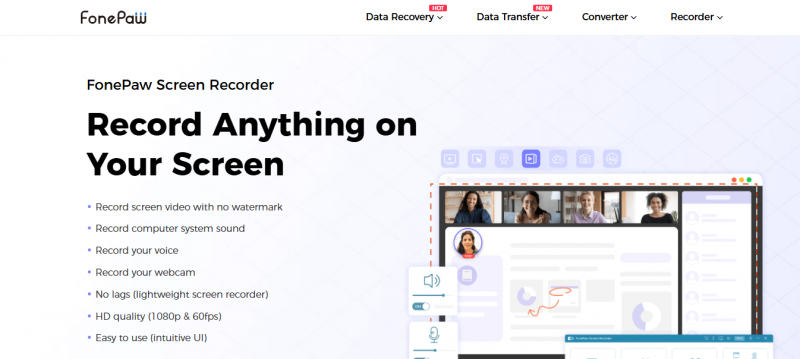
FonePaw Screen Recorder captures video on computer screens in up to 1080p with full voice and webcam. The recording area covers the entire screen, a specific window, or a customized region. It supports multiple modes including basic video, audio, webcam, gameplay, and mobile screen recording via device connection. Users set recording length, schedule tasks, add annotations and mouse effects, preview and clip footage, take screenshots, and apply noise cancellation. Output formats include WMV, MP4, MOV, F4V, AVI, TS, GIF for video and MP3, WMA, AAC, M4A for audio. Hotkey customization controls operations. It runs on Windows 11/10/8.1/8/7/Vista/XP and Mac OS X 10.12 or above.
User-friendly interface works for beginners and advanced users
Supports high-quality recording up to 60fps
Records system sound and microphone audio simultaneously
Built-in tools for trimming and adding annotations
Easy customization of recording area by dragging
Limited advanced editing features compared to professional software
No built-in scheduler for automated recording listed in some reviews
No webcam overlay option in certain descriptions
More than 30 days
No
Proprietary
Pricing yet to be updated!

Screen capture and video recording software

A free video capture and processing utility for Windows.

Screen Recording Software: capture anything on your PC screen

Advanced Editing Studio

Screen recording and video editing software that combines real-time recording with professional editing tools.

Screen Recorder for PC: Windows and Mac