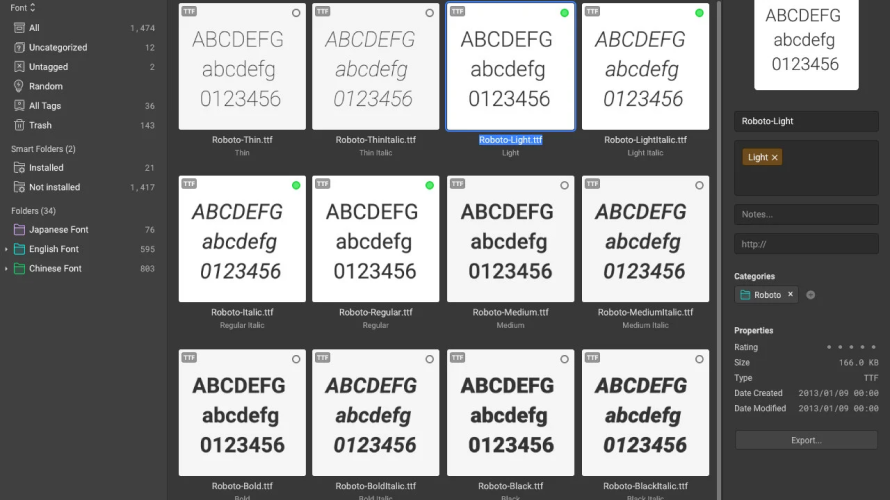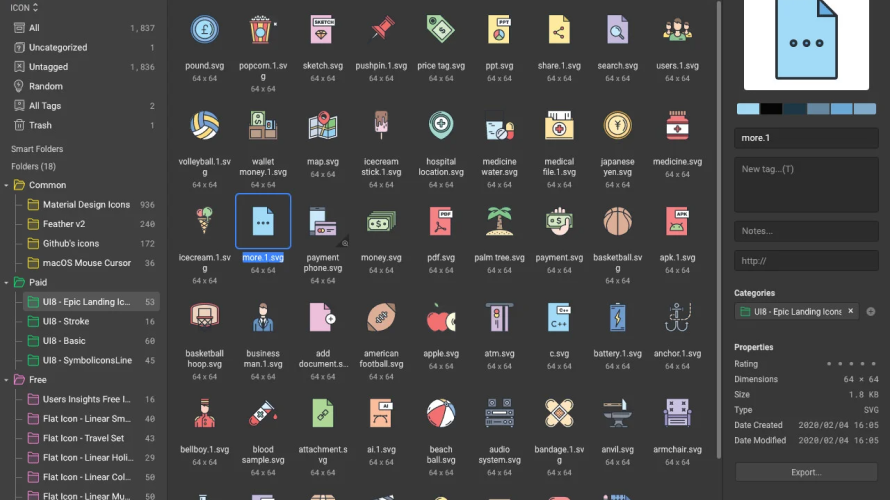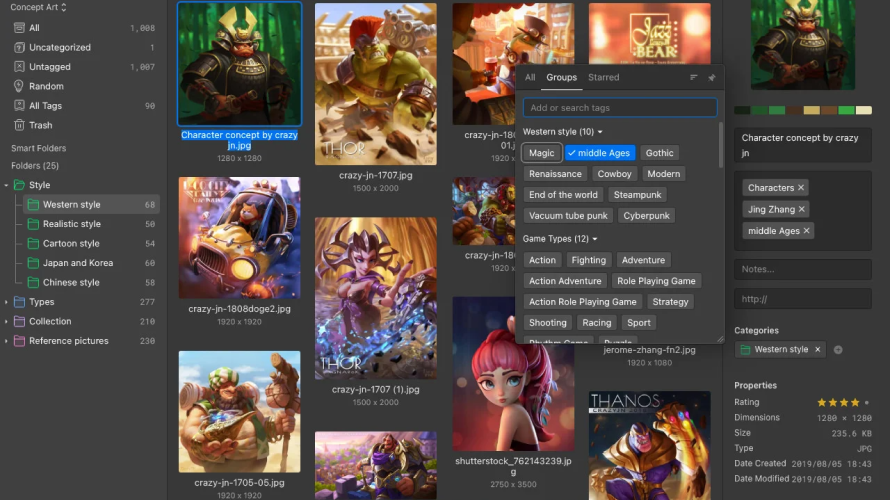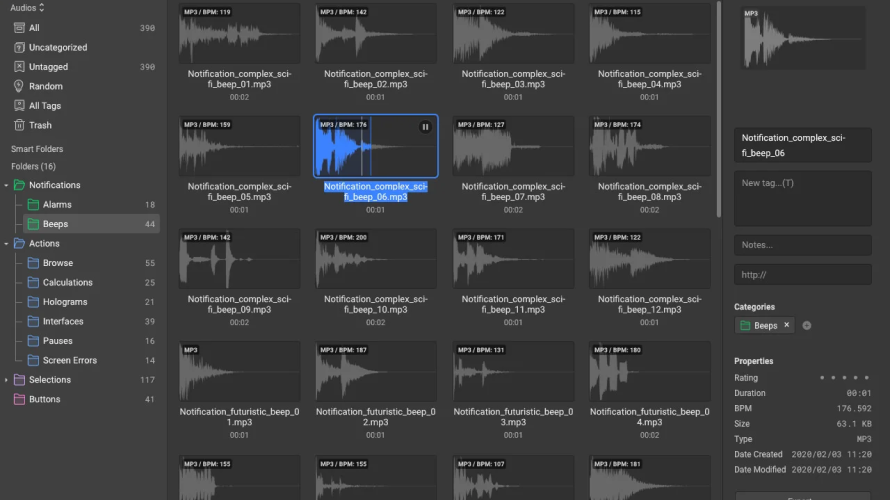
Eagle organizes thousands of images and hundreds of categories. It enables swift location of assets through advanced filters and searches in under 0.5 seconds. Core functions include keyword search, color search, image-based search, and multi-dimensional filters. Users browse assets with scaled display, hover previews, and spacebar previews for images, GIFs, videos, and audio. Eagle 5.0 adds AI Search for finding by reference images locally, AI Action for auto-naming, auto-tagging, and auto-sorting files, and Eagle MCP for executing complex requests via natural language. All processing stays on the user's machine with no cloud uploads required. Lifetime license owners receive free upgrades.
Local AI processing keeps files private and works offline[1][3]
Semantic search handles natural language queries like 'the blue one I downloaded yesterday'[1]
Lifetime license owners upgrade to version 5.0 for free[1]
Fast search results under 0.5 seconds across large libraries[3]
Supports all file formats with instant previews[3]
Online LLM features may upload images or text when required for certain tasks[1]
Requires GPU for optimal performance on large libraries of 100K images[1]
Commercial APIs like GPT-5 or Claude incur extra costs if used[1]
Initial AI configuration needed for model connections like Ollama or GPT[1]
30 Days
Yes
Proprietary
Pricing yet to be updated!

Keep your credentials extra safe and easy to manage.