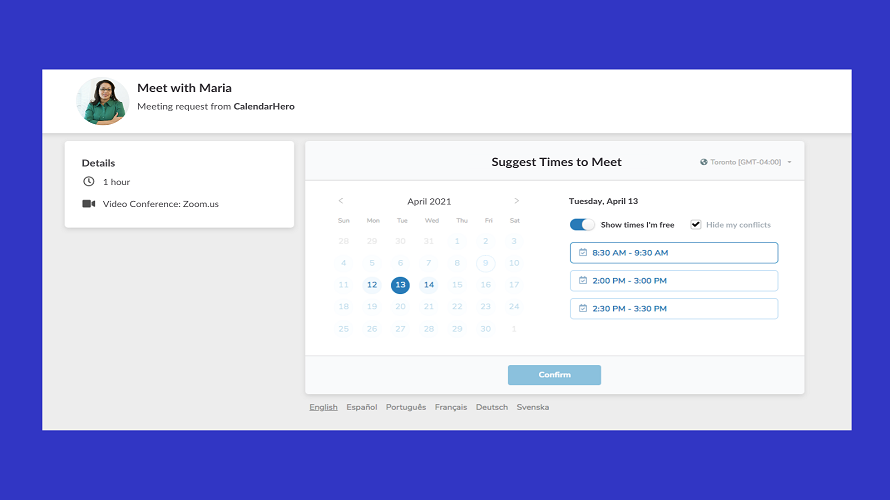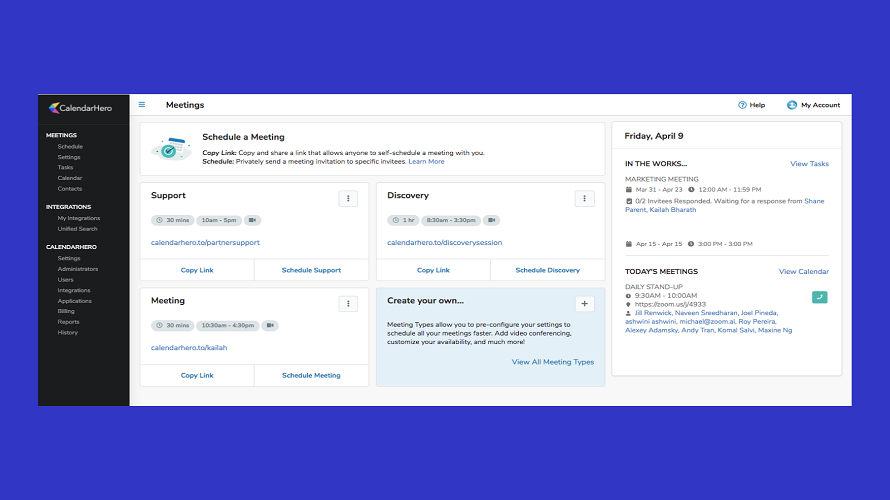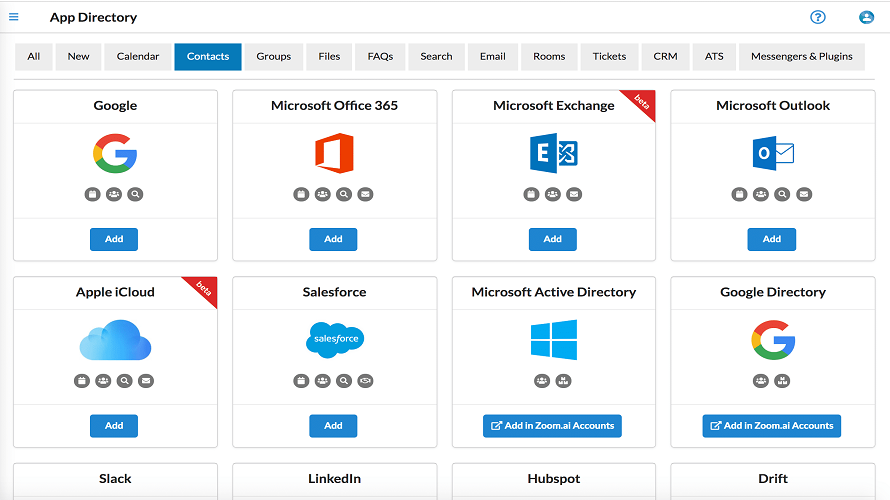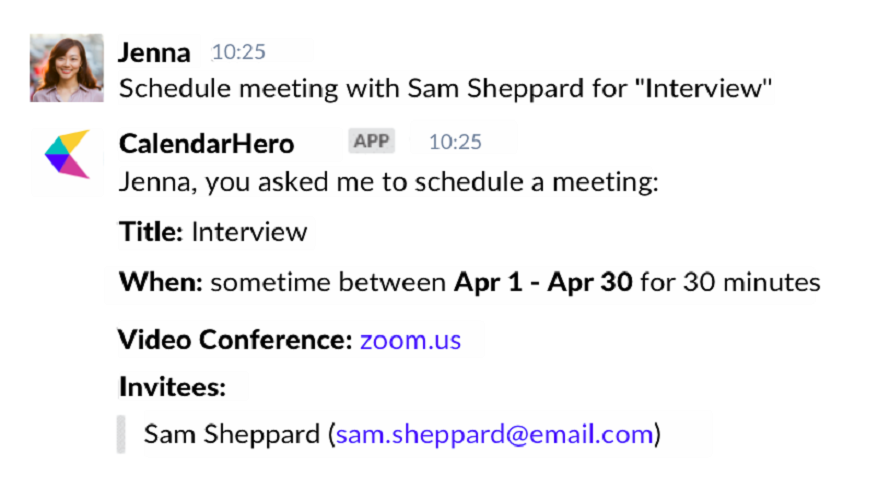
CalendarHero schedule meetings through multiple methods using an AI assistant. It handles planning daily work by checking meetings and free times via queries. Users can find documents across connected accounts like Google Drive and Dropbox with unified search. CRM automation provides access to sales data in chat or email.
AI suggests best meeting times.
Automates scheduling, eliminates email back‑and‑forth.
Built‑in reminders reduce no‑shows.
Supports Zoom, Teams, Slack links.
Detected time zones automatically adjust bookings.
Lifetime deal available via AppSumo occasionally.
Clients can’t pick meeting type in one link.
Customer support often slow or unresponsive.
14 Days
Yes
Open Source
Pricing yet to be updated!

Flexible and affordable appointment scheduling for any type of business.

Automated scheduling software | Calendly

Every scheduling tool you need to succeed

Free Online Appointment Scheduling Software

Free online meeting scheduling tool

Online scheduling solution made for small businesses.