Overview

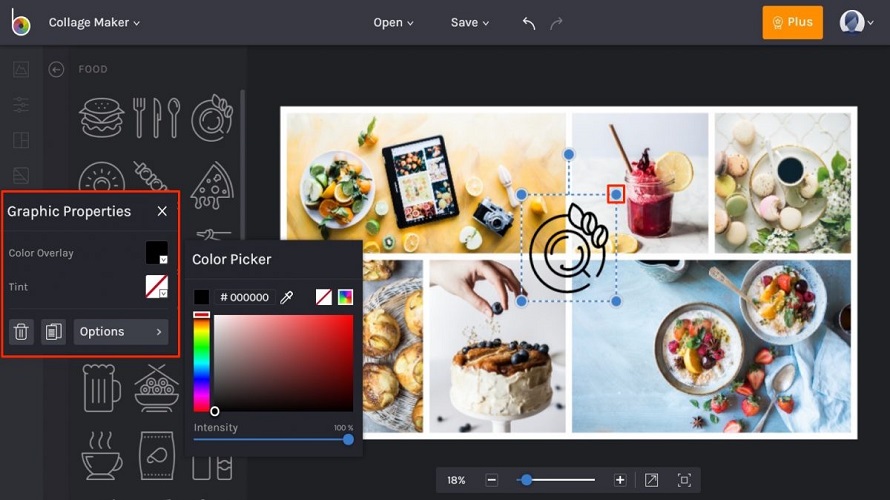
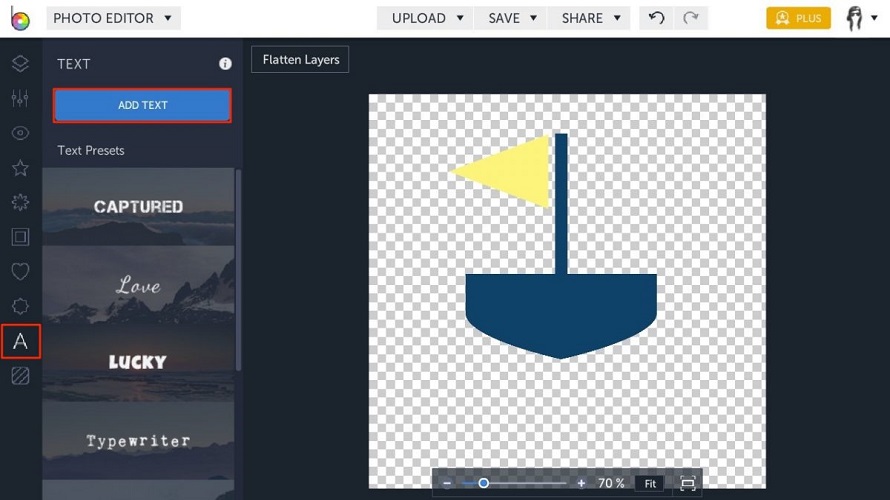
BeFunky provides a photo editor, collage maker, and graphic designer in one online platform. Users edit photos with tools to remove backgrounds, extend images, resize, touch up portraits, cartoonize, add textures, text, lens flares, and digital art effects. The graphic designer offers templates for invitations, banners, cards, YouTube channel art, Facebook cover photos, social media graphics, infographics, postcards, plus design elements and stock images. It enables creative expression through simplified digital media tools without advanced technical knowledge. AI powers features like background removal, image extension, and portrait enhancement for quick results.

Core Strengths:

  • Edits and enhances photos with AI‑powered tools.
  • Removes backgrounds instantly with AI detection.
  • Batch edits multiple photos at once (premium).
  • Generates collages with easy drag‑and‑drop layouts.
  • Applies artistic effects like Cartoonizer and digital styles.
  • Provides graphic design templates for banners, cards & posts.
  • Includes 1M+ stock photos & vector icons in editor.

Use Cases:

  • Social media image creation and resizing.
  • Collage layouts for personal or brand galleries.
  • E‑commerce product photo cleanup.
  • Custom graphic design for posts and flyers.
  • Portrait enhancement and retouching.

Pros & Cons

Pros:

Easy-to-use tools require no advanced technical knowledge

AI features enable quick background removal and portrait enhancements

Hundreds of effects and filters provide extensive options

Templates simplify creating banners, cards, and social graphics

Cons:

Free version limits access to full toolset and features

Some advanced effects and premium templates require Plus subscription

UI changes may require adjustment for returning users

Software Trial

7 Days

Free Version

Yes

Licensing Type

Proprietary

Starting Price

Price Type

  • Contact Vendor

Currency

  • USD ($)

Subscription

  • Monthly
  • Annually

BeFunky Software Features

Graphic Design Features

  • Artboards
  • Image Database

Photo Editing Features

  • Batch Editor
  • Collage Maker
  • Contrast Change & Brightening
  • Crop Photo
  • Image Slicing
  • Lens Correction
  • Noise Reduction
  • Photo Frames

Deployment

  • On Premises

Platform

  • Web-Based
  • Windows
  • Mac
  • Linux

Support

  • Email
  • Phone

Training

  • Documentation
  • Help Guides
  • In-Person Training

BeFunky Pricing

Pricing yet to be updated!

Software Category

Graphic Design Photo Editing

Reviews

Login to review BeFunky.

Explore Other Top Graphic Design Software