Overview

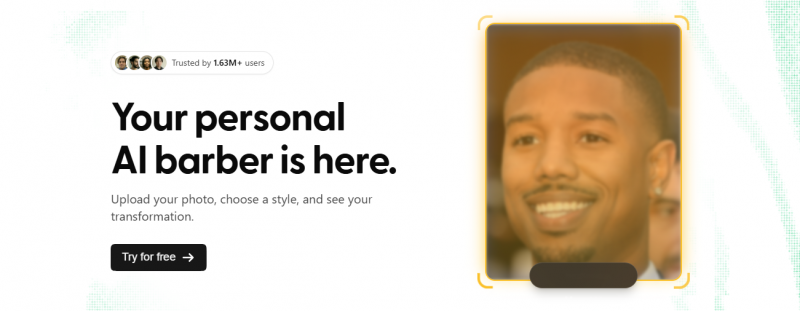
BarberGPT helps users preview hairstyles before visiting a barber. The tool focuses on realistic hair transformations using a simple upload and highlight workflow. It suits individuals, barbers, and style experimenters who want quick visual feedback.

What Makes It Different:

  • No account required for initial use.
  • First 3 hairstyle generations free.
  • Credit model avoids monthly commitment.
  • Works fully inside the web browser.
  • Maintains lighting and face alignment in outputs.
  • Allows manual deletion of uploaded images.

Pricing Plans:

  • Free Trial$0
    First 3 hairstyle generations are free before needing credits.
  • Starter Plan$1
    Includes 7 hairstyle generations (credits).
  • Hobbyist Plan$5
    Includes 50 hairstyle generations (credits).
  • Professional Plan$15
    Includes 300 hairstyle generations (credits)

Pros & Cons

Pros:

Generates realistic short haircut previews

Outputs often ready in ≈60 seconds

Visual aid improves barber communication

Desktop masking produces accurate hairlines

Web-based tool requires no installation

Cons:

Manual hair masking required for accuracy

Mobile masking less precise than desktop

Difficult in upload for curly hairs

Software Trial

0

Free Version

No

Licensing Type

Proprietary

Starting Price

Price Type

  • Per Feature

Currency

  • USD ($)

Subscription

  • Monthly

BarberGPT AI Software Features

AI Image Generator Features

  • art). Inpainting and object removal. Background removal/replacement. Upscaling and quality enhancement. Aspect‑ratio and size control. Negative prompts and seed control.

Deployment

  • Cloud Hosted

Platform

  • Web-Based
  • iPhone/iPad
  • Android

Support

  • Email
  • Chat
  • Phone

Training

  • Blogs
  • Documentation
  • Infographics

BarberGPT AI Pricing

Pricing yet to be updated!

Software Category

AI Image Generator

Reviews

Login to review BarberGPT AI.

Explore Other Top AI Image Generator Software