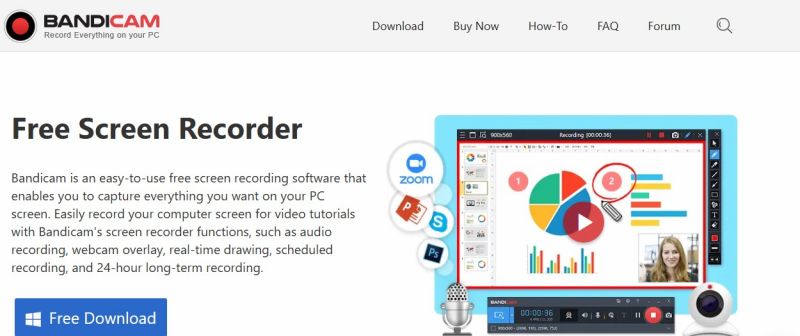
Bandicam is a lightweight screen recorder for Windows that captures high-quality video from your PC screen, including games using DirectX/OpenGL/Vulkan graphics, specific screen areas, webcam feeds, and HDMI devices. The software preserves video quality while applying high compression and supports 4K UHD recording at up to 480 FPS. Videos are saved as MP4 or AVI files, and screenshots can be exported as BMP, PNG, or JPG. The free version limits recordings to 10 minutes per file and includes a watermark; the full version removes these restrictions and adds scheduled recording capability.
Simple and quick setup for screen recording with minimal configuration needed
Supports high-resolution recording (4K) and high frame rates (up to 480 FPS) without requiring expensive hardware
Lightweight with strong performance compared to similar screen capture software
Comprehensive annotation tools built-in for real-time drawing during recordings
Free version limited to 10-minute recordings with mandatory watermark
Sharing options limited to traditional platforms like YouTube with no cloud storage integration
Premium features like recording scheduler require paid version
1-7 Days
Yes
Proprietary
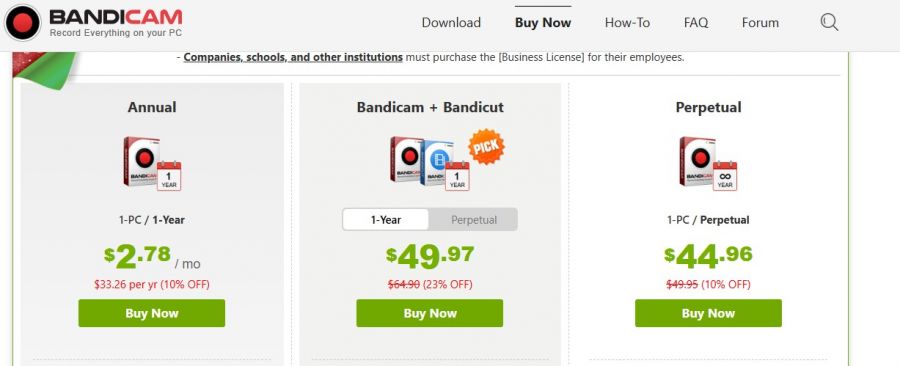
*Check the current pricing on Bandicam's website.

The Best Monitoring Software for Cell Phone & Computer Tracking

Screen capture and video recording software

A free video capture and processing utility for Windows.

Video Editor

Advanced Editing Studio

Screen recording and video editing software that combines real-time recording with professional editing tools.