On This Page
- What You Can Do With VidMate
- STEP 1 — Download VidMate Safely
- STEP 2 — Install VidMate on Your Android Phone
- STEP 3 — Explore the VidMate Home Screen
- STEP 4 — Download Videos From Any Website
- STEP 5 — Download Music (MP3 Extraction)
- STEP 6 — Download Instagram Reels & Stories
- STEP 7 — Download WhatsApp Status Videos & Images
- STEP 8 — Manage Downloads (Pause, Resume, Delete)
- STEP 9 — Use VidMate’s Offline Media Player
- STEP 10 — Customize VidMate Settings
- Final Tips for New Users
- Conclusion
VidMate is one of the most widely used HD video downloaders for Android.
If you're new to VidMate or want a clear, easy walkthrough, this guide covers everything you need to know, from installation to downloading videos, music, reels, and WhatsApp statuses.
This is a complete beginner-friendly guide, written from a user’s perspective so you can follow every step without confusion.
What You Can Do With VidMate
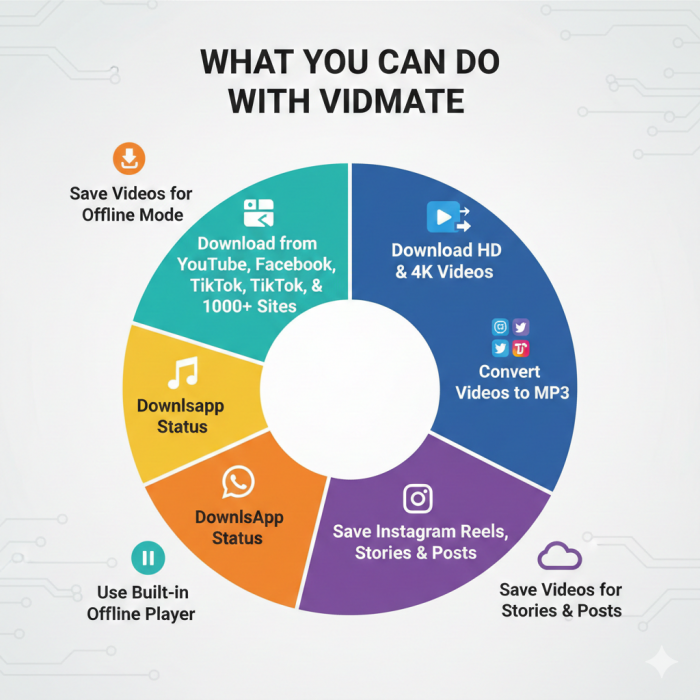
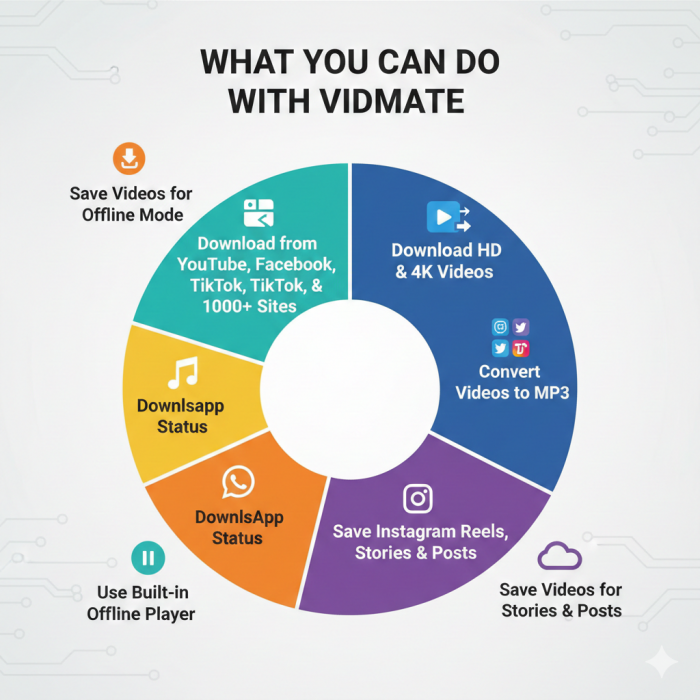
Before we jump into the steps, here’s what VidMate helps you do:
- Download HD & 4K videos
- Convert videos to MP3
- Save Instagram Reels, Stories & Posts
- Download WhatsApp Status
- Download from YouTube, Facebook, TikTok, Dailymotion, and 1000+ sites
- Use a built-in offline video and music player
- Save videos for offline mode
Now, let’s walk through how to use VidMate from scratch.
STEP 1 — Download VidMate Safely
Since VidMate is not available on Google Play, you must download the APK manually.
Follow these steps:
- Open your browser (Chrome recommended).
- Go to the official VidMate site:
https://www.vidmate-official.com/ - Tap the Download APK button.
When prompted, tap Download Anyway (Android warning appears because it’s not from Play Store).
Tip for Users
Always download from the official VidMate site to avoid modified or unsafe APKs.
STEP 2 — Install VidMate on Your Android Phone
Once the APK finishes downloading:
Follow these steps:
- Tap the downloaded APK file.
- Android will show a security message → tap Settings.
- Enable Install Unknown Apps for your browser.
- Tap Install.
- Wait for installation to complete → tap Open.
- You’re ready to start using VidMate.
STEP 3 — Explore the VidMate Home Screen
When you open VidMate, you’ll see:
- Trending Videos
- Search Bar
- Site Icons (YouTube, Instagram, TikTok, Facebook, etc.)
- Categories (Movies, Music, Clips, Status)
A bottom navigation bar:
- Home
- Explore
- Download Manager
- Me/Profile
Spend a minute browsing — it’s very intuitive.
STEP 4 — Download Videos From Any Website
This is the feature users love most. VidMate can download from nearly every major site.
To download a video:
- Tap the YouTube/Instagram/TikTok/Facebook icon OR paste the video link into the search bar.
- Play the video inside VidMate.
- A red download button appears at the bottom right.
- Tap Download.
Choose your preferred format:
- MP4 (360p, 480p, 720p, 1080p, 4K)
- MP3 (audio only)
- Tap Download again.
Your video will begin downloading instantly.
STEP 5 — Download Music (MP3 Extraction)
VidMate can extract audio from videos.
Steps:
- Open VidMate → Search for any video.
- Tap Download.
- Select MP3 format.
- Tap Download.
VidMate will convert the audio automatically.
STEP 6 — Download Instagram Reels & Stories
You can download any Instagram Reel, video, story, or photo.
Steps:
- Open Instagram → Copy the link of a reel or story.
- Open VidMate.
- VidMate auto-detects copied links and shows a download popup.
- Tap Download.
- Choose Video or Audio format.
Done — your reel is saved to your gallery.
STEP 7 — Download WhatsApp Status Videos & Images
VidMate makes this extremely simple.
Steps:
- Open WhatsApp and view the status you want (so it loads).
- Open VidMate.
- Scroll to the section “Status Saver”.
- The statuses you viewed will appear there.
- Tap Download on the one you want.
This is one of the most used features among VidMate users.
STEP 8 — Manage Downloads (Pause, Resume, Delete)
VidMate includes a full download manager.
Steps:
Tap the Download Manager in the bottom menu.
Here you can:
- Pause a download
- Resume a download
- Delete unwanted files
- Check video progress
If your internet fluctuates, VidMate handles automatic resume.
STEP 9 — Use VidMate’s Offline Media Player
Anything you download stays accessible offline.
Features of the built-in player:
- Play videos without internet
- Create playlists
- Background play for music
- Lock-screen playback controls
- Fast-forward & speed controls
This replaces the need for external media players.
STEP 10 — Customize VidMate Settings
To improve your experience:
Go to: Menu → Settings
Adjust:
- Default download location
- Download resolution preferences
- Enable/disable auto-detection of copied links
- Enable dark mode
- Notifications
These settings make downloads faster and more organized.
Final Tips for New Users
Here are a few pro tips to get the most out of VidMate:
- Download using Wi-Fi for faster speeds
- Always keep your app updated
- Avoid downloading copyrighted movies/music
- Clear the cache weekly to free space
- Back up your downloads to an SD card or cloud storage
Conclusion
VidMate can be a powerful tool for offline entertainment, downloading videos, saving statuses, and converting music, as long as the user knows how to use it correctly.
This guide gives everything a beginner needs to confidently start using VidMate today
Post Comment
Be the first to post comment!