On This Page
Let’s face it, PowerPoint has ruled the corporate and academic world for over three decades. But in 2025, static slides, endless bullet points, and manual formatting feel painfully outdated. The world moves fast, attention spans are shrinking, and audiences expect visuals that think, adapt, and engage.
That’s exactly where AI presentation tools are taking over. These tools don’t just help you design, they understand your content, suggest visuals, and generate polished decks in minutes.
In a world where 65% of professionals say they spend more than 4 hours creating a single presentation (Visme Report 2024), AI tools save time, spark creativity, and make your ideas unforgettable.
1. Gamma App — Interactive, Visual, and Effortless
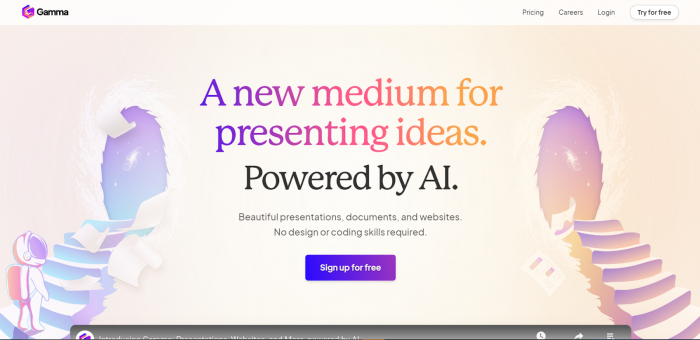
What It Does:
Gamma transforms plain text or documents into beautiful, responsive presentations instantly. It’s built for collaboration and live sharing.
Why It’s Better Than PowerPoint:
- No need to worry about slide sizes or formatting.
- Works beautifully on mobile devices.
- Interactive elements like polls and live charts.
- Actionable Insight: When presenting online or on mobile, Gamma ensures your audience feels involved, not bored.
2. Beautiful.ai — The Designer That Thinks for You
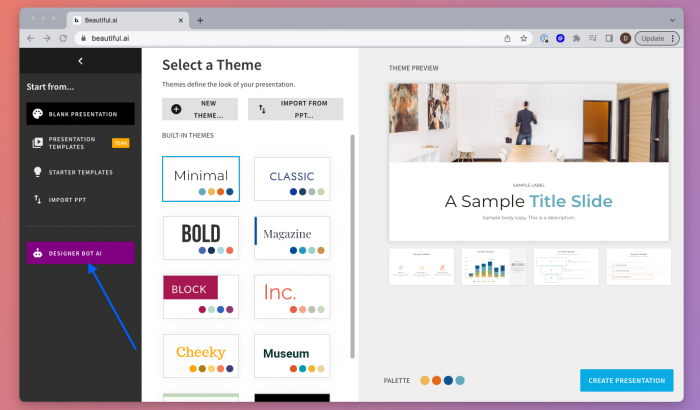
What It Does:
Beautiful.ai uses artificial intelligence to design your slides automatically. You add the ideas It handles layouts, alignments, and visual flow.
Why It’s Better Than PowerPoint:
- Smart templates adjust in real time as you edit.
- Consistent, professional design across every slide.
- Built-in analytics to see which slides engage viewers most.
- Actionable Insight: You struggle with messy slides or off-brand visuals. Let Beautiful.ai create structure for you. Focus on storytelling not formatting.
3. Tome — Storytelling Powered by AI
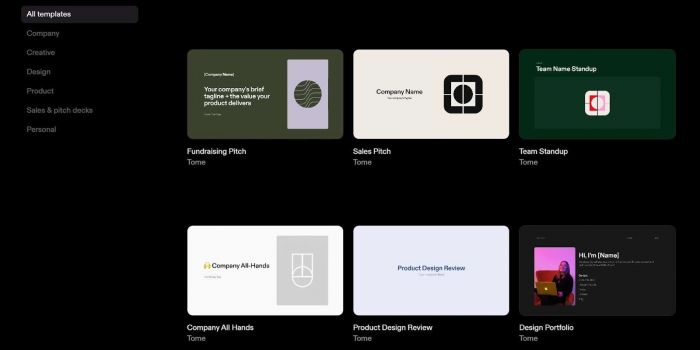
What It Does:
Tome is like ChatGPT with design superpowers. You describe your topic, tone, and audience, and it automatically creates an entire deck — visuals, copy, and layout included.
Why It’s Better Than PowerPoint:
- AI narrative flow, your deck feels like a story, not a collection of slides.
- Integrates with Notion, Figma, and Web embeds.
- Dynamic visuals powered by DALLE and GPT.
Actionable Insight: Use Tome for client pitches or startup
presentations where emotional storytelling and speed matter more than traditional structure.
4. Canva Magic Design — Creativity Meets Automation
What It Does:
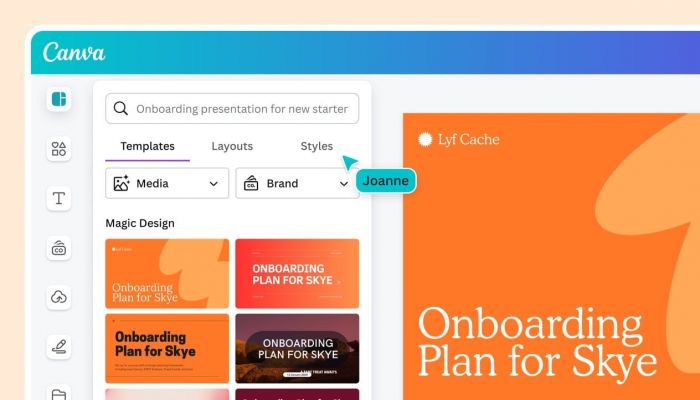
Canva’s Magic Design feature combines AI-driven design with one of the most user-friendly interfaces. You upload your content, and it instantly generates design options to choose from.
Why It’s Better Than PowerPoint:
- AI visual recommendations based on tone and content.
- Huge library of templates and brand kits.
- Real-time collaboration.
- Actionable Insight: If you want presentations that reflect your brand identity without a designer, Canva’s Magic Design is your shortcut to visual excellence.
5. Slidebean — The Startup Pitch Specialist
What It Does:
- Slidebean helps founders and professionals build investor-ready decks powered by AI-driven structure, design, and market data.
- Why It’s Better Than PowerPoint:
- Templates backed by successful pitch decks.
- Built-in analytics to track viewer engagement.
- AI helps refine your business story and highlight key metrics.
- Actionable Insight: For startup founders, Slidebean isn’t just a tool — it’s like having a fundraising strategist built into your slides.
6. Visme AI — Data-Driven Presentations at Scale
What It Does:
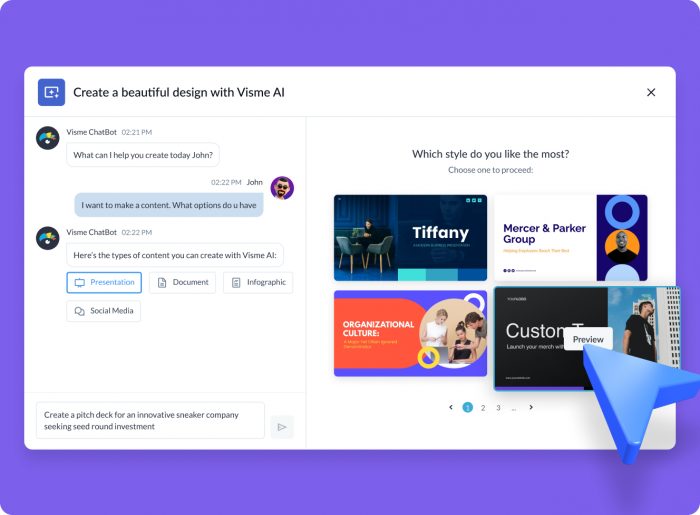
Visme combines AI with strong data visualization tools. You can import data, and it automatically generates charts, infographics, and structured slides.
Why It’s Better Than PowerPoint:
- Auto-generated data visuals that look professional.
- Custom branding for teams.
- AI-powered content suggestions to enhance storytelling.
- Actionable Insight: Use Visme AI for educational, research, or business reports where numbers need to be understood, not just shown.
7. Plus AI — The AI Layer for PowerPoint and Google Slides
What It Does:
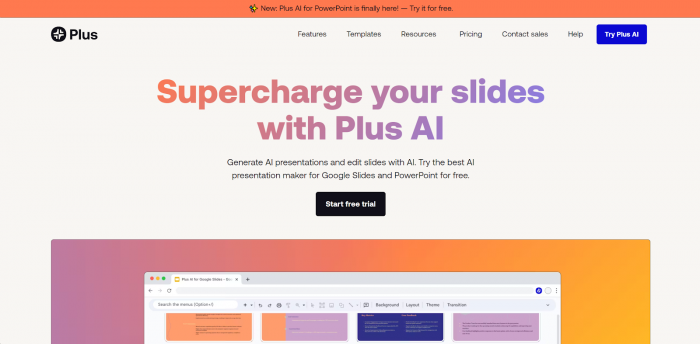
Plus AI doesn’t replace PowerPoint, it enhances it. It adds generative AI capabilities directly into PowerPoint and Google Slides.
Why It’s Better Than PowerPoint Alone:
- AI-generated outlines, visuals, and slide summaries.
- Smart rewrite suggestions for clarity and tone.
- Works inside the tools you already know.
- Actionable Insight: Perfect for professionals who don’t want to switch platforms but crave AI-powered efficiency.
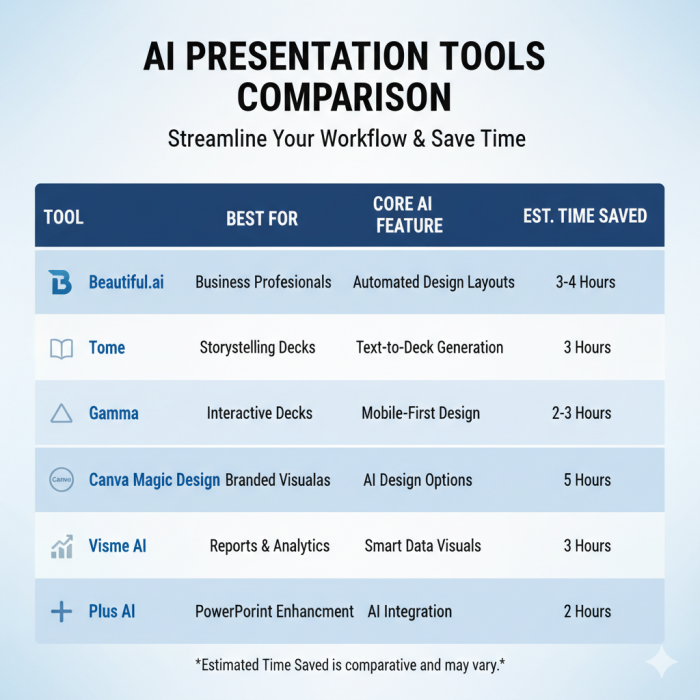
QUICK COMPARISON
The Practical Takeaway
PowerPoint isn’t obsolete, it’s just not enough anymore.
Today’s world demands agility, intelligence, and emotional connection in every slide you share.
By using AI presentation tools, you can:
- Save up to 80% of your creation time.
- Increase audience engagement by 2x (HubSpot 2024).
- Tell more visual, emotionally connected stories.
- So, next time you open PowerPoint, pause for a second.
Ask yourself, “Do I want to build slides, or do I want to build impact?”
If it’s impact, AI is already your new presentation partner.
Post Comment
Be the first to post comment!